How this site runs
On this page
This post is slightly technical and it would be useful to have some knowledge of data fetching and website deployment. tl;dr is that I built this site and blog using Markdown files and Eleventy static site generator.
Why #
I created this site as my little corner of the internet. A space that’s truly mine. I didn’t want to rely on paid platforms like Substack or Medium because I believe in decentralization. Owning my content and having full control over my site is important to me. Plus, I thought that building it myself might be a fun coding challenge.
Here’s what I set out to achieve:
-
Own my content – No lock-ins, no platforms deciding what happens to my writing.
-
Easy posting and editing – Writing should feel effortless, not like managing a system.
-
Future-proof format – Markdown is simple, portable, and built to last.
-
Lightweight and fast – No unnecessary bloat, just clean and speedy pages.
-
Content first – The words should shine, not be buried under distractions.
This site is a work in progress, and that’s part of the fun.
The process #
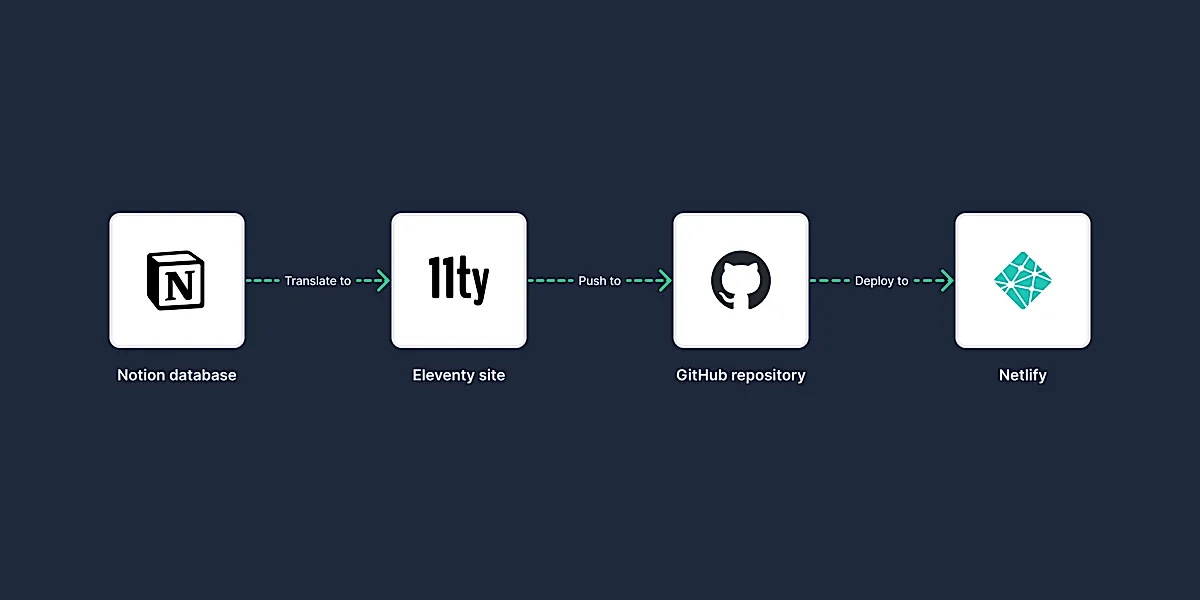
-
Draft a note or project in Notion
-
Flip the “Is Published” switch once I’m happy with it
-
A Notion automation kicks off the sync
-
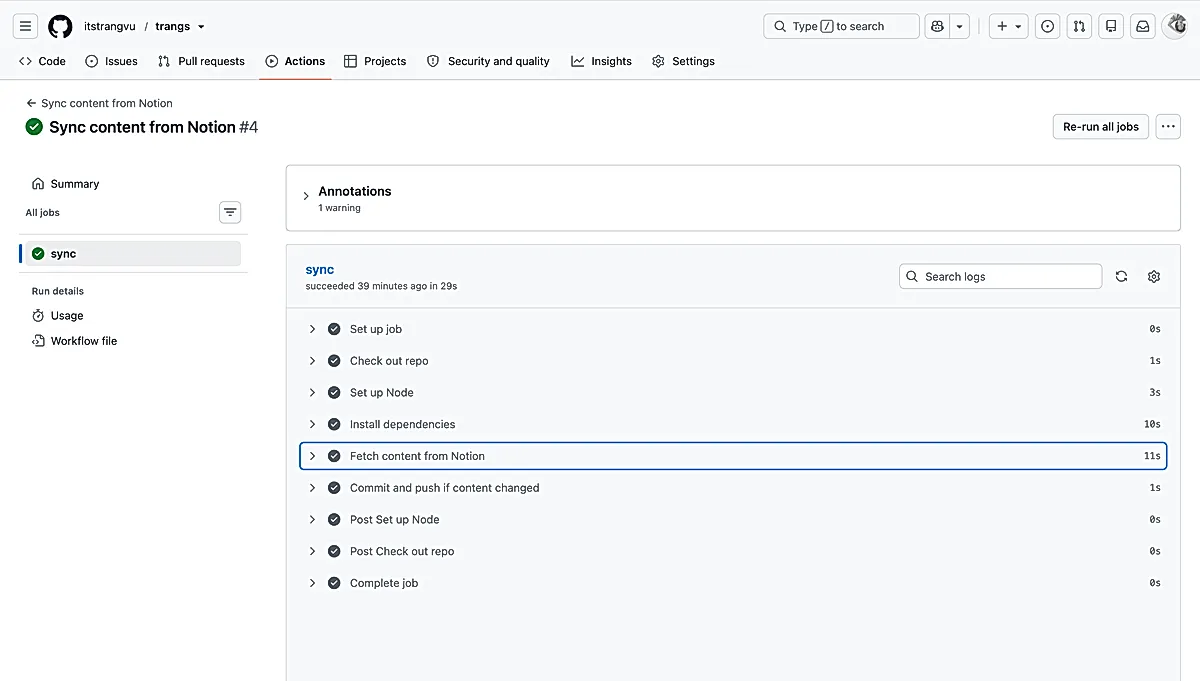
A GitHub Action fetches the content and commits it to the repo
-
Netlify builds and deploys the site
Tools and technologies #
-
Notion – This is where I write and organize my notes and projects
-
Eleventy – Static site generator
-
Pipedream – A tiny bridge that lets Notion talk to GitHub
-
GitHub (+ Actions) – Version control, code management and the automation that syncs content
-
Netlify – Deployment and performance monitoring
Create notes in Notion #
Everything starts in Notion. I considered alternatives like Obsidian, but ultimately, I chose Notion because I already subscribe to it, and its database functionality is a good fit for my needs. I'm also familiar with the tool, so it made sense to use it.
I needed a way to organize tags and have control over when a note gets published, and Notion database gives me that structure.
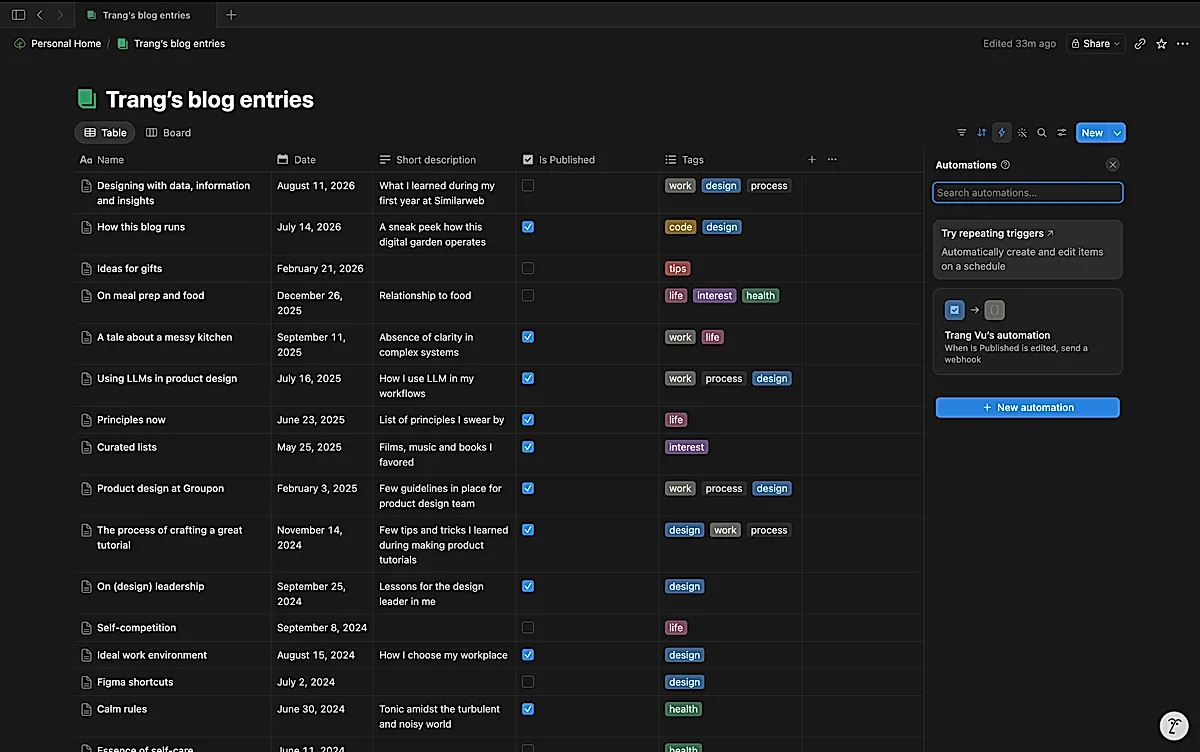
I usually start by drafting the post, refining it, and making adjustments until I’m satisfied. Once it’s ready, I mark the Is Published checkbox in Notion to publish it.
Generate the blog #
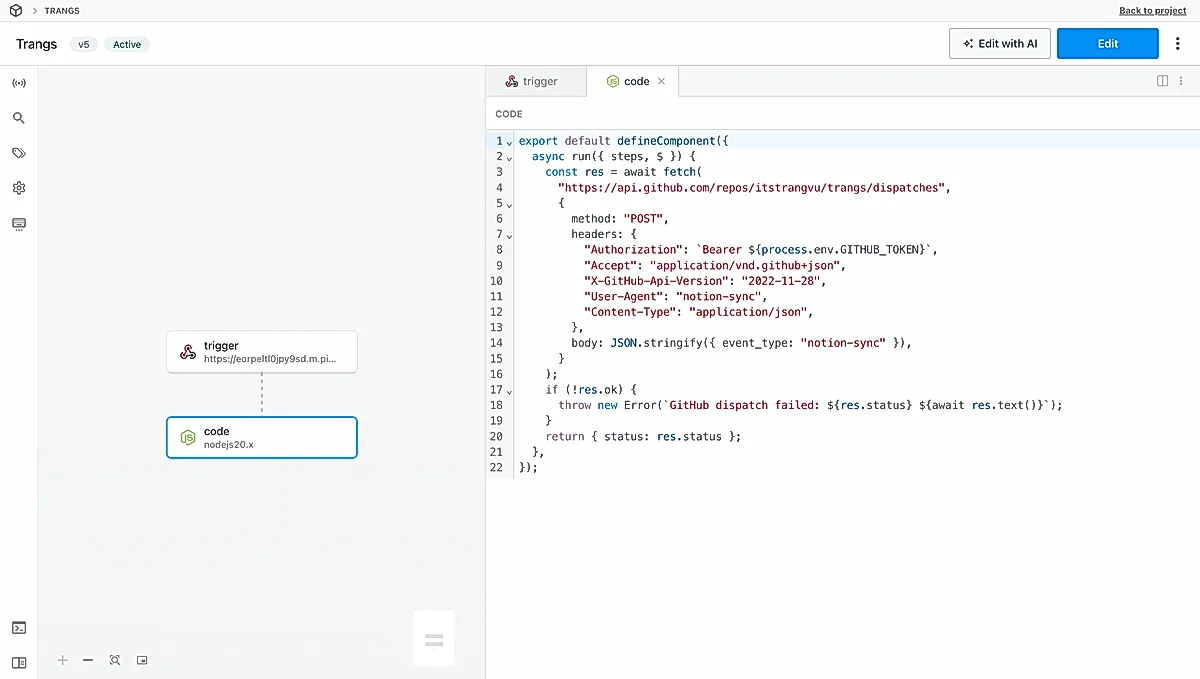
Each database has an automation that watches for changes to the Is Published field. When it fires, it sends a webhook. And here's the fun wrinkle: Notion can't quite speak GitHub's language directly. GitHub wants a request shaped in a very particular way, and Notion's webhook doesn't let me shape it like that.
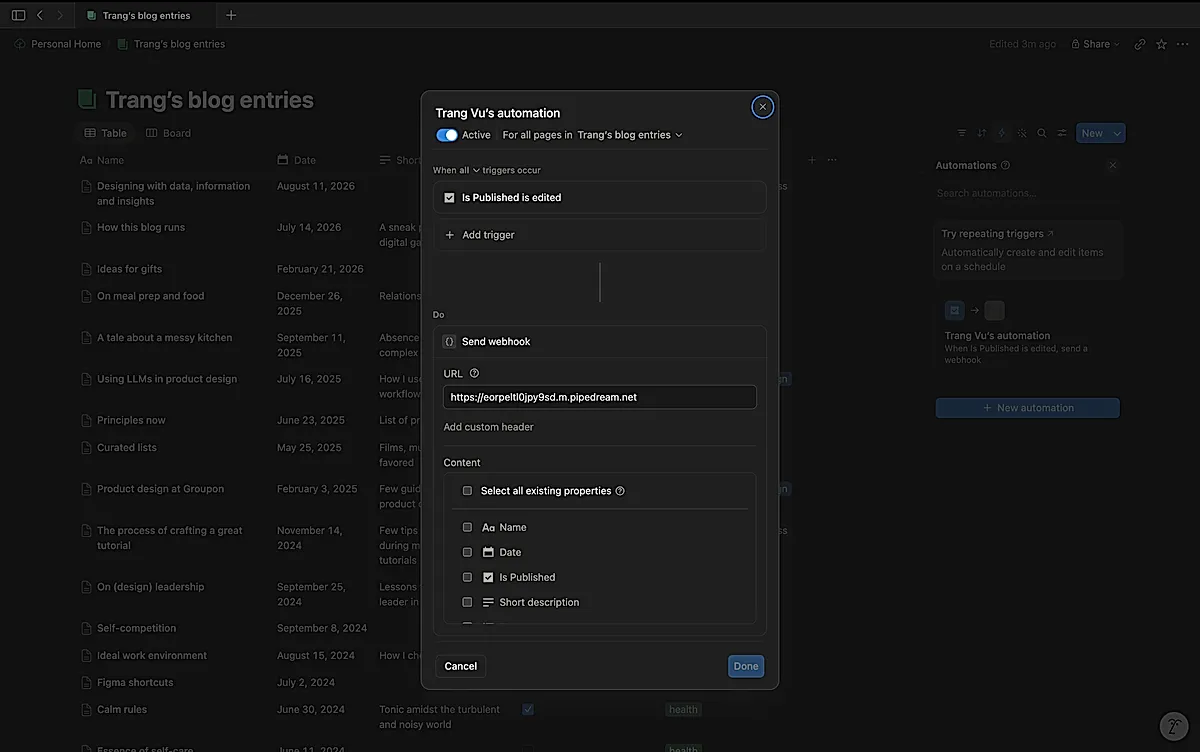
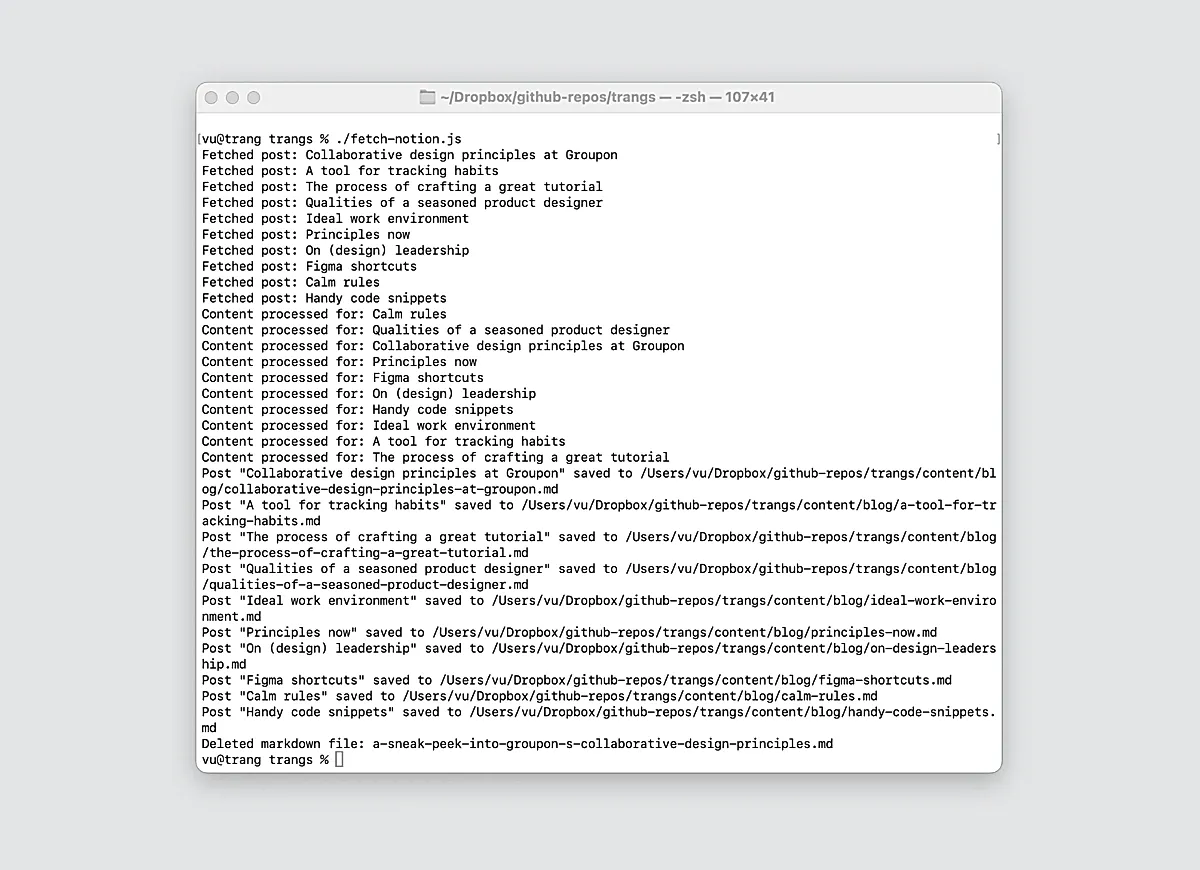
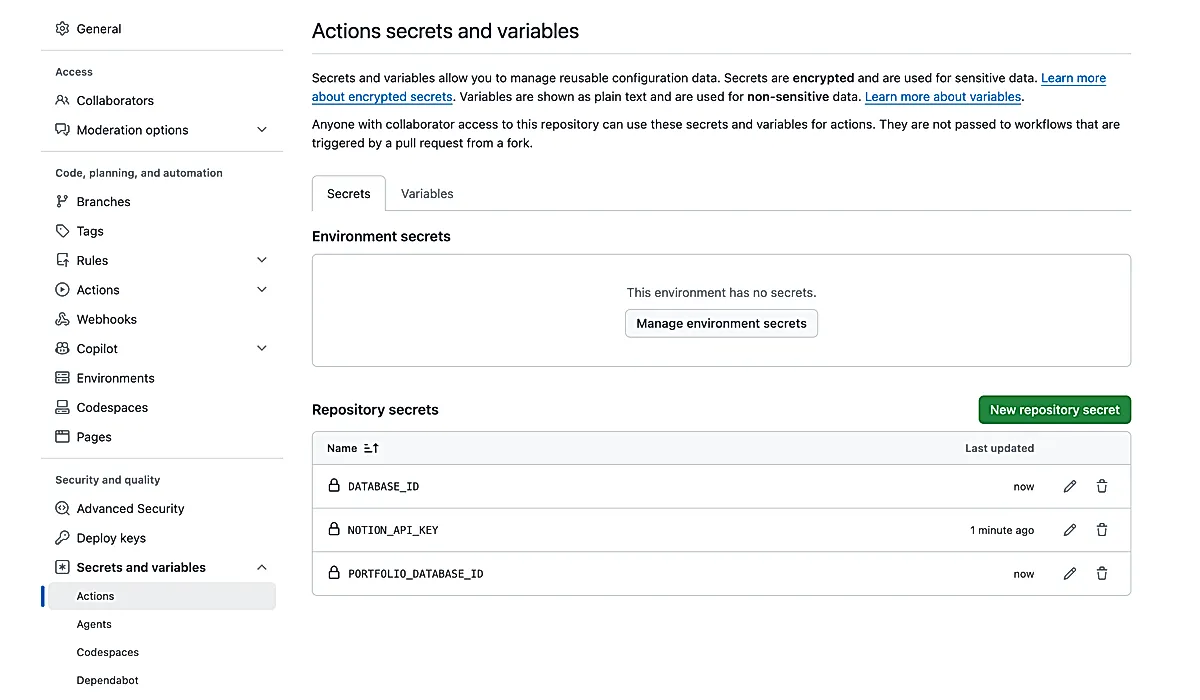
So I put a small Pipedream relay in the middle. Notion pings Pipedream, Pipedream reshapes the request the way GitHub expects, and that triggers a GitHub Action. The Action runs two Node.js scripts (fetch-notion.js and fetch-portfolio.js) which:
-
Connect to Notion via the Notion API.
-
Fetch every published note and project.
-
Downloads the images and optimize them.
-
Convert the Notion content into Markdown.
-
Save each post as a
.mdfile. -
Delete anything that's no longer published, to keep things tidy.
Deploy the site #
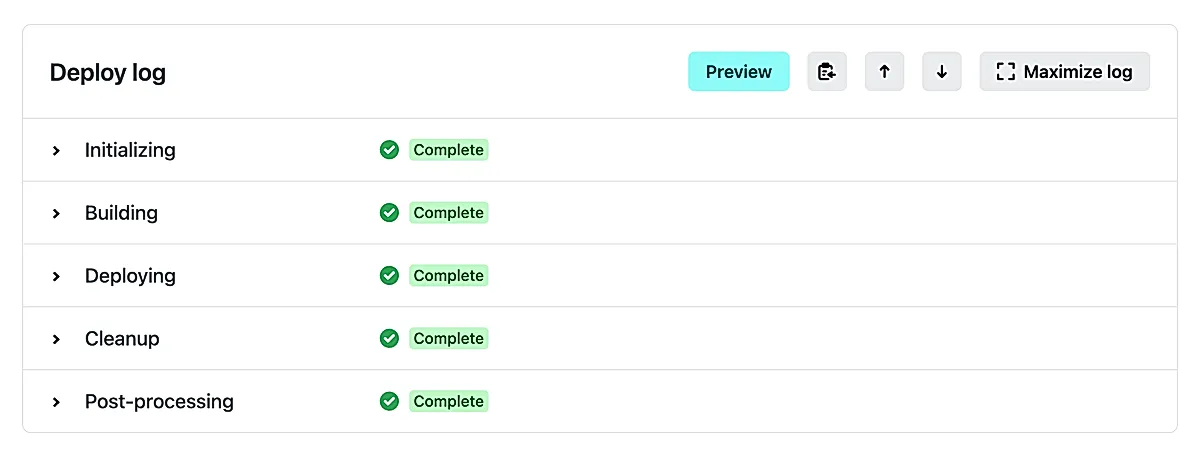
The moment the Action pushes to the repo, Netlify notices, builds and deploys the site all on its own.
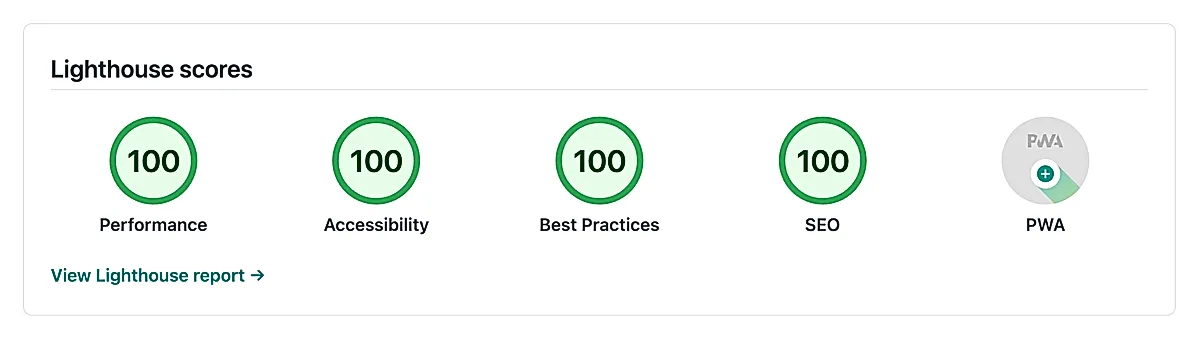
As part of this process, a Lighthouse check runs to ensure the site meets performance, accessibility, and SEO standards.
Room for improvement #
Setting up this site and blog has been a great learning experience, but there’s still room for improvement and it keeps evolving.
For a long time I still had to run the fetch script by hand. Notion's webhooks introduced in December '24 finally let me close that gap (though not without a small detour). Notion can't send the exact request GitHub's API expects, so I had to use Pipedream to translate between them. Now publishing in Notion unfurls all the way to a live deploy without me lifting a finger aaand my portfolio syncs the very same way.
The dream is to self-host both the site (no need for Netlify) and the git repository (maybe using Gitea?). Dropping Notion someday would be a nice bonus too. Well, I’m clearly getting ahead of myself here, though, mhihi.
Curiosity #
Do you fully own your content as well? I’d love to see what you’re building! Feel free to share your blogs, digital gardens, or small personal sites. I’m always curious to connect with like-minded creators.
- Previous: A tale about a messy kitchen
- Next: My first year at Similarweb